
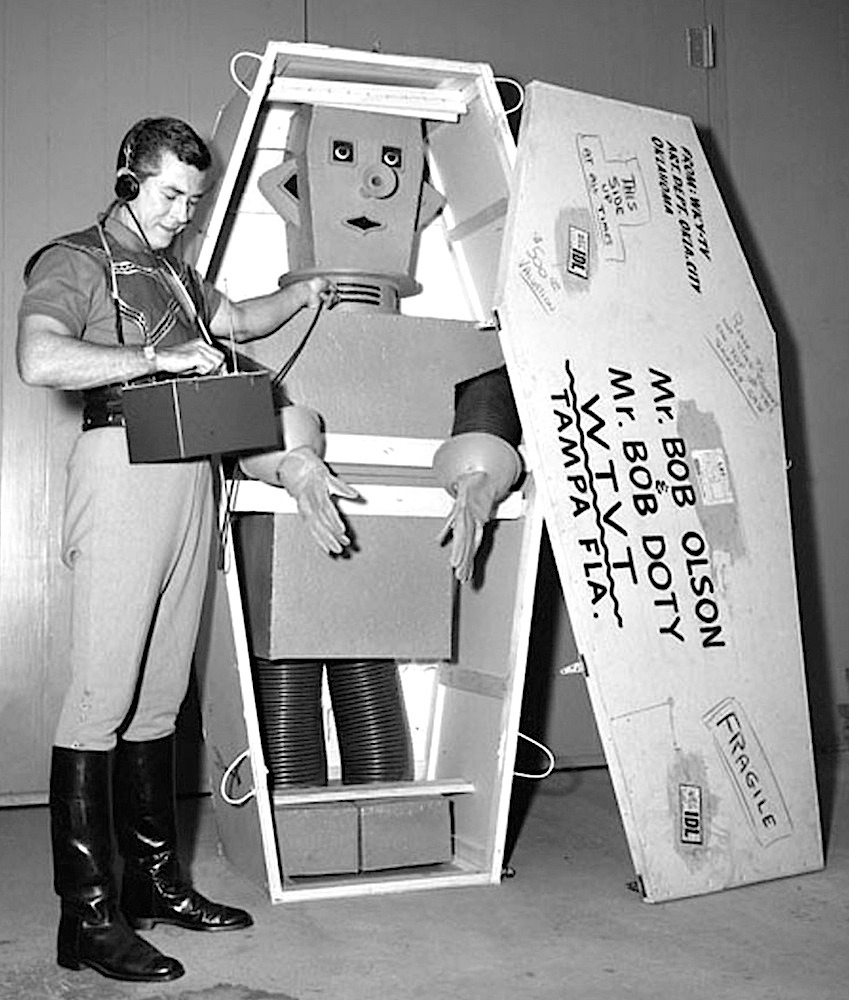



Carnival impresario Bob Noell & one of his trained apes [reddit.com]
We started watching Wonka but we wonkad out of it after 45 minutes. OTOH, we got nice naps when the movie put us to sleep, so I’ll count that as a win.
I embark on the dangerous mission of changing task management software
For to-do-list software, I’ve been using Things 3 by Cultured Code for most of the past 14 years, but when I started the new job, at first I thought I wouldn’t be able to continue to use Things, so i switched to Todoist, because it’s a pretty good app and it integrates well with Microsoft Outlook.
Two weeks into the new job, I learned I could use Things after all, and I was getting a little frustrated with Todoist in the Mac. It’s not a native Mac app, and it shows. Working with Todoist seems to require more taps and keystrokes than it should, and sometimes menus scroll off the top or bottom of the screen, requiring scrolling to see everything. And Todoist doesn’t support start dates for tasks, which I find important to my workflow.
This gave me an opportunity to start fresh and reevaluate task management software. Going back to Things would be about the same amount of work as just starting with something new. And Things is rigid—it works great if your brain works like Things wants it to, but I was finding it a bit difficult to work with.
Switching to-do apps is dangerous for me! I have wasted a lot of time fiddling with productivity apps. While I usually come back to Things, I’ve also tried OmniFocus, Todoist, the Tasks plugin for Obsidian, TickTick, Workflowy, Remember the Milk, Microsoft To Do, Taskpaper, todo.txt, bullet journaling and probably others I’m forgetting about.
I realized that what I want is something like Todoist but with a nicer Mac app, and with support for start dates.
So I went to Omnifocus. Here are some first impressions:
Pluses:
- It’s a nice-looking app on the Mac and iPhone.
- Has start dates, just like I want it
- Seems surprisingly flexible. In the early days of the app, 15+ years ago, Omnifocus rigidly conformed to David Allen’s Getting Things Done methodology, but now It seems pretty loose.
Also added to the plus column: Omnifocus is, as far as I can determine, unique among task managers in that it’s very easy to import and export task lists in human-readable format. So if I want to do housecleaning on the task manager—get rid of projects I’m not going to get to anytime soon—without outright deleting the projects, Omnifocus will let me easily do that.
Minuses:
- Expensive. Mitigated by my already having paid for earlier versions so being eligible for a discount.
Could go either way—maybe a plus, maybe a minus, maybe no big deal:
- Really wants everything to be a Project. I like using single-actions. Yes, “write article” is technically a dozen or so steps, from thinking about how to start research to proofreading and submitting. But I don’t need to list those steps—at least, not in my to-do app. (Though maybe I should—and there certainly are things I do need to write down for every article, like lists of people I want to email for interviews).
- Extremely flexible and customizable, leading to a moral hazard to fiddle with Omnifocus when I should be doing other things.
Jon Udell: Best Practices for Working with Large Language Models
… you don’t need a low-level understanding of the neural networks at the core of large language models in order to align with the grain of that architecture. Although I can’t explain how LLMs work – arguably nobody can – I’m able to use them effectively, and I’ve begun to codify a set of guiding principles.
Here’s my list:
- Think out loud
- Never trust, always verify
- Use a team of assistants
- Ask for choral explanations
- Outsource pattern recognition
- Automate transformations
- Learn by doing
Good rules here. I’ll add a couple of guidelines:
-
Don’t pretend the AI is intelligent or conscious. It’s fancy autocomplete. When you talk to the AI, you’re talking to a version of yourself.
-
Also: The AI doesn’t have feelings. Take advantage of that. The AI is never going to get bored or discouraged. (But don’t be cruel to the AI—it’s a bad idea to be cruel, even to an inanimate object that cannot suffer.)

Californians voters will be asked to vote on two opposite initiatives: One will enshrine same-sex marriage into law, formally repealing Proposition 8 in case the U.S. Supreme Court overturns Obergefell. The second would enshrine transphobia. [voiceofsandiego.org]
Utahns reunited with pet cat they accidentally shipped with Amazon return [ksltv.com]